A home screen can be simpler when its first view reflects the things you intentionally do most often.
List the actual tasks
Write three common purposes for opening your phone, such as checking a calendar, finding a saved note, or starting music. Identify the applications you use for those tasks. Base the list on your real routine rather than an imagined ideal day.
Move the useful shortcuts
Use your phone’s available layout controls to place those applications where you can reach them comfortably. Keep essential access available and avoid changing unfamiliar settings without checking their meaning. Move less frequently used icons to another screen or folder if that makes navigation clearer.
Observe the next few days
Notice whether the arrangement helps you reach the intended task more directly. Undo changes that create confusion and keep familiar accessibility settings intact. There is no required number of icons or universally correct layout; the test is whether your own common actions are easier to complete.
What would you change first to arrange a phone home screen around three everyday tasks?
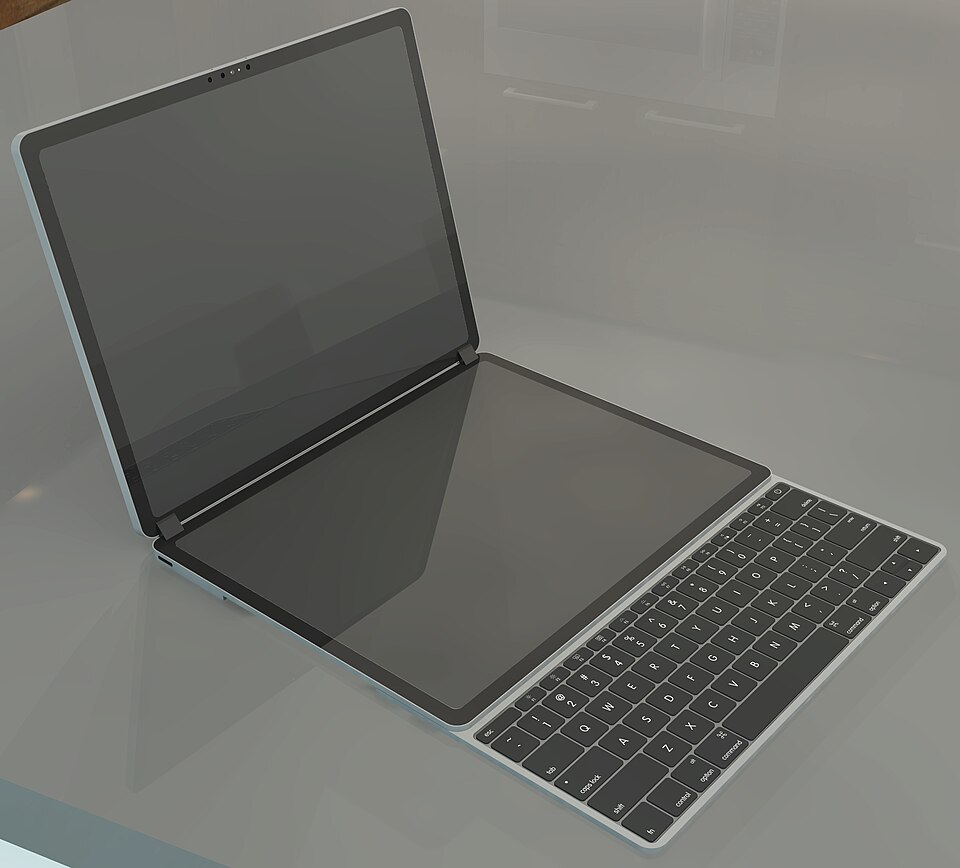
This practical article was drafted with AI assistance for Little Days. It is not a submitted reader story or a claim of firsthand experience. The image is illustrative; its source is listed in Photo credits.