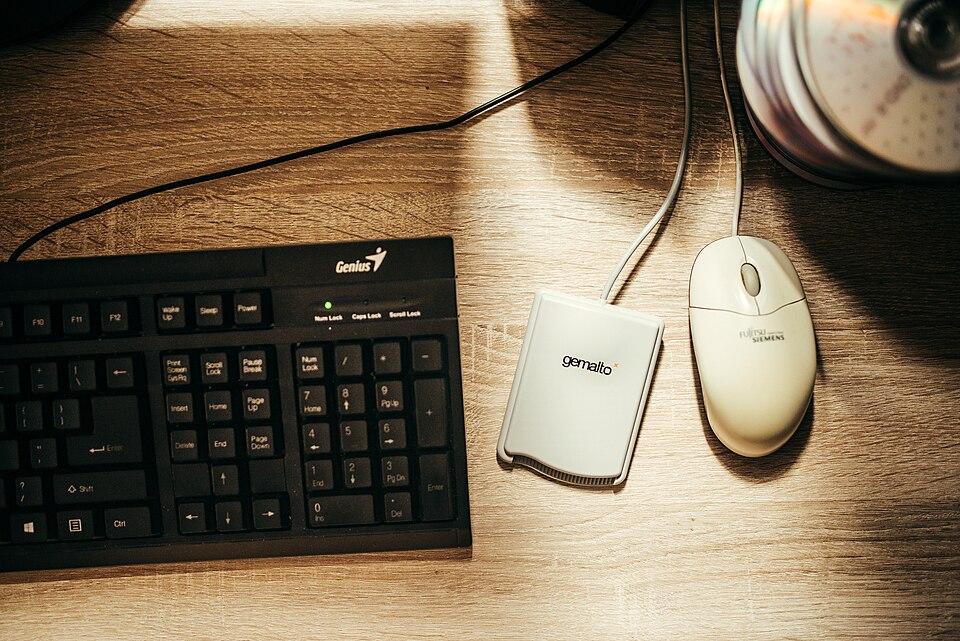
Loose notes often slide beneath a keyboard or mouse. Reserving one narrow paper lane keeps active references visible without spreading them across the entire desk.
Choose the useful side
Place a sheet of paper beside the keyboard on the side where you naturally read notes. Check that the mouse and your arms still have comfortable room. Use the sheet as a temporary boundary while testing the layout.
Limit the active papers
Keep only the document needed for the current task in that lane, with a small note on top if necessary. Put reference piles elsewhere. Use a suitable document support if that makes reading more comfortable.
Clear between different tasks
Return the paper to its folder when the task changes. Avoid making the lane a permanent inbox; its purpose is to hold one active reference where you can see it, not every paper that arrives.
What would you change to make a paper lane beside the keyboard work in your home?
This practical article was drafted with AI assistance for Little Days. It is not a submitted reader story or a claim of firsthand experience. The image is illustrative; its source is listed in Photo credits.