A repair note is more useful later when it records what happened and what was done, without turning an uncertain guess into a diagnosis.
Describe the observed issue
Write the item, date, and specific behavior you noticed. Include relevant circumstances, such as when the issue occurs, without experimenting with unsafe operation. Use photographs or recordings only when they can be captured safely and do not expose unnecessary private information.
Record the actual service
Save the service provider’s explanation and paperwork where applicable. Distinguish their assessment from your own observations. Note which parts or settings were changed only when you have a reliable record, rather than filling gaps from memory.
Add the follow up result
After the item is returned to appropriate use, record whether the original symptom remains. Follow professional and manufacturer instructions for operation or further checks. The history is a communication aid for future service, not a substitute for qualified assessment or permission to attempt an unfamiliar repair.
What would you change first to write a repair history that describes symptoms?
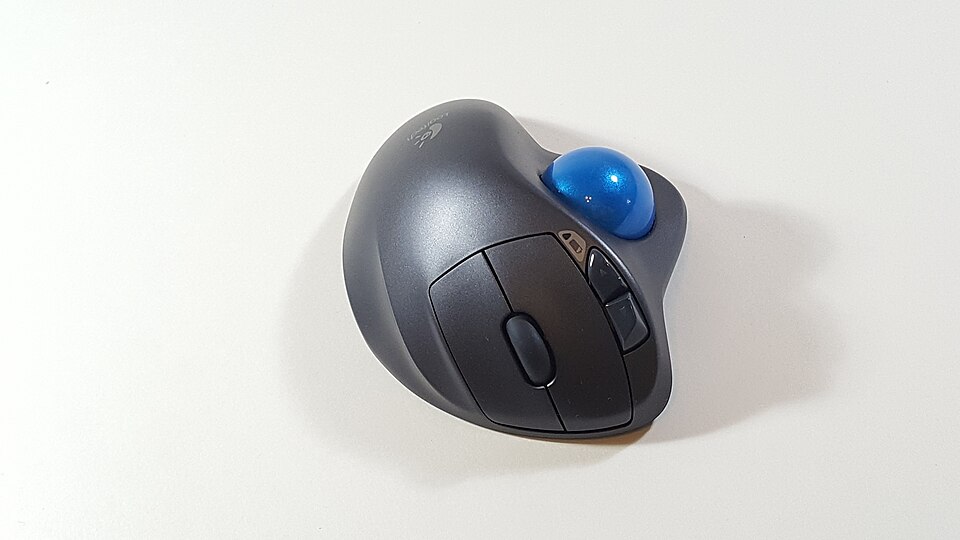
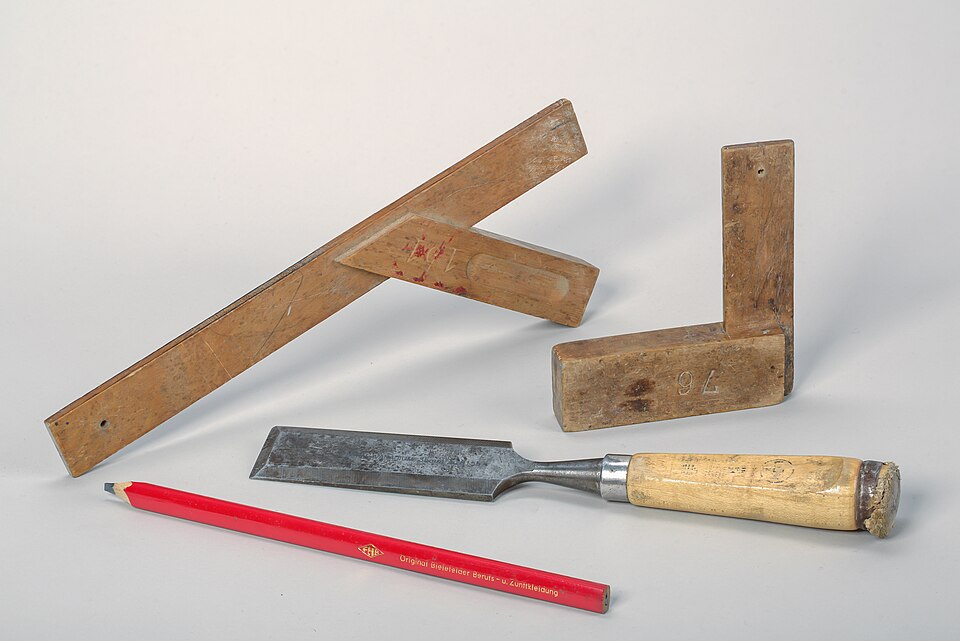
This practical article was drafted with AI assistance for Little Days. It is not a submitted reader story or a claim of firsthand experience. The image is illustrative; its source is listed in Photo credits.